Pier / Container ports
Docker and Podman on macOS
See which container owns a local port.
Pier combines its macOS port list with Docker or Podman container data so published host ports are easier to understand from the menu bar.
Download PierContainer status plus local port ownership
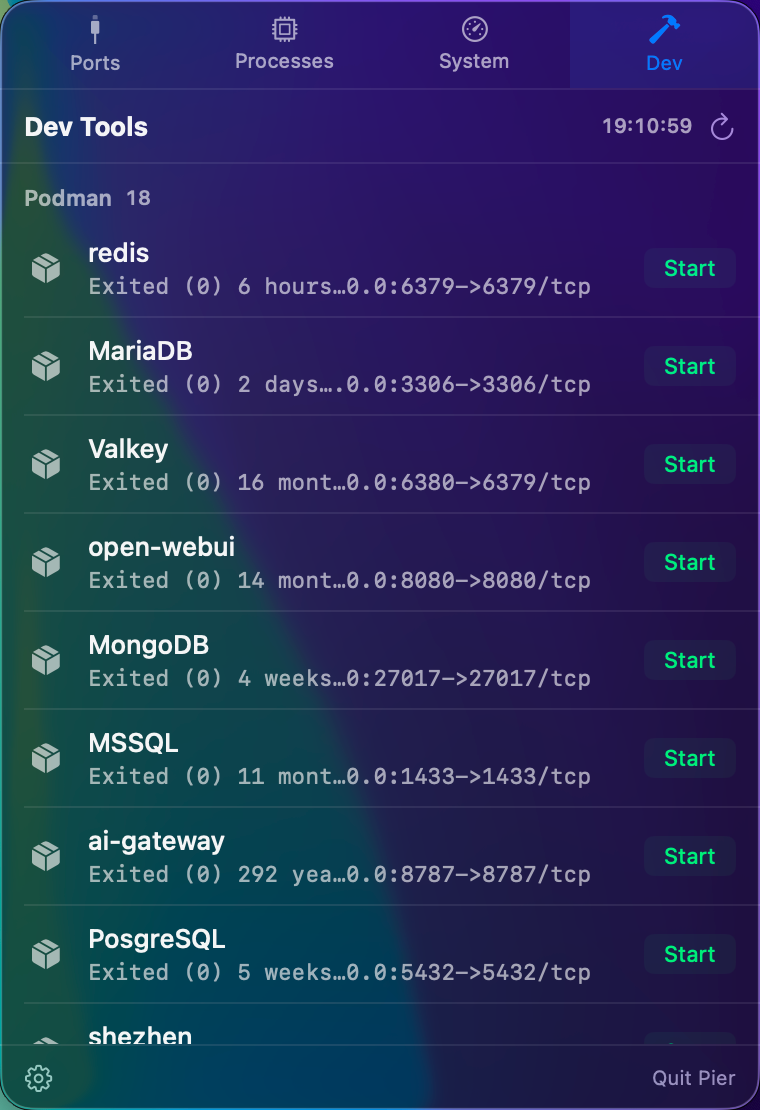
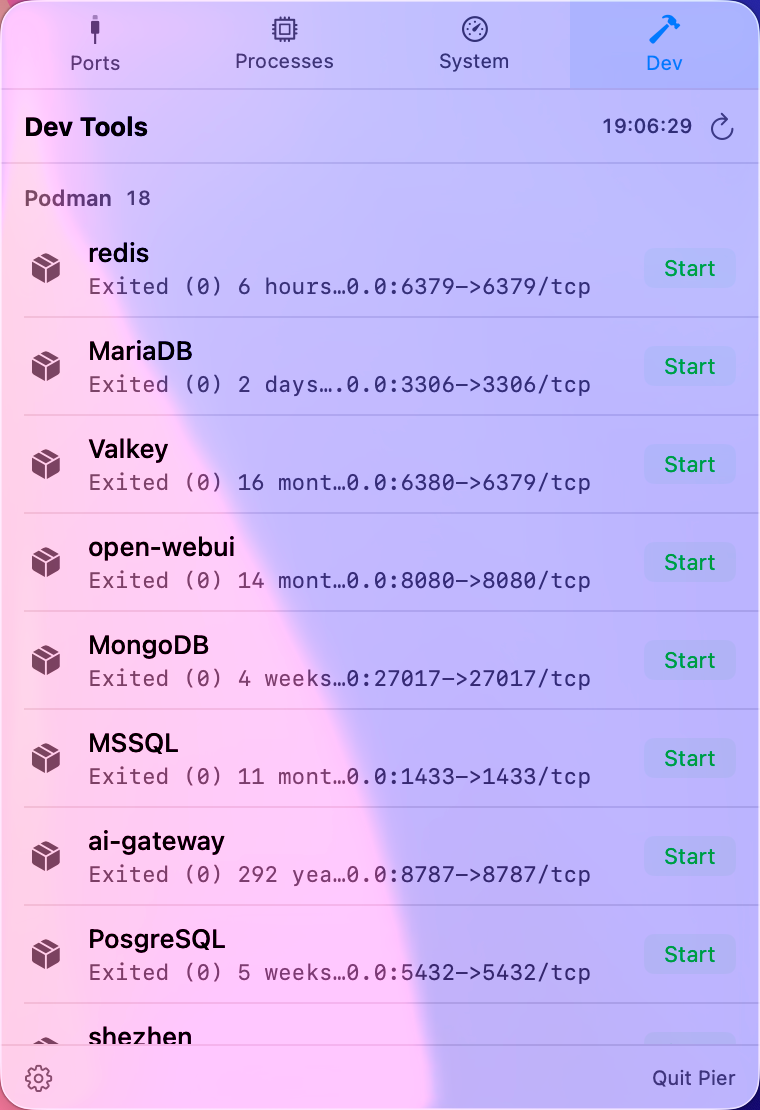
Container networking makes port ownership harder to read.
On macOS, a published container port may appear through Docker Desktop, OrbStack, Podman, or a virtualization helper process. That is not the name you care about. You care which container or local service is behind the port.
Pier keeps the container view next to the port view.
- List Docker or Podman containers from the Dev panel.
- See published port mappings where the container CLI exposes them.
- Start and stop containers from the menu bar.
- Use the Ports panel to inspect the host port and exposure state.
Works well with local databases and API stacks.
If you regularly run Postgres, Redis, Elasticsearch, web backends, or queues in containers, Pier gives you a fast way to understand what is bound on your Mac before you restart or stop anything.
// RELATED