Pier / Homebrew services
brew services, without the context switch
A lightweight Homebrew services GUI for Mac.
Pier shows your Homebrew services in the macOS menu bar, with start, stop, and restart actions next to Docker, Podman, ports, processes, and system vitals.
Download PierWorks with Homebrew on Apple Silicon and Intel Macs
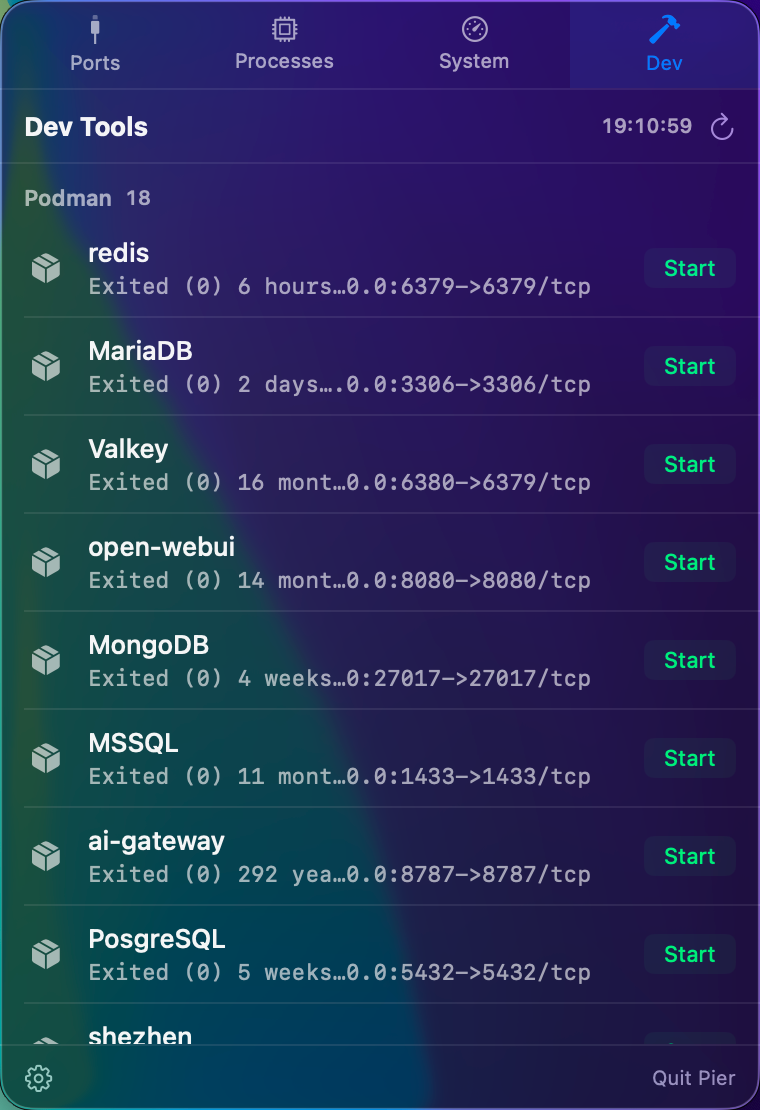
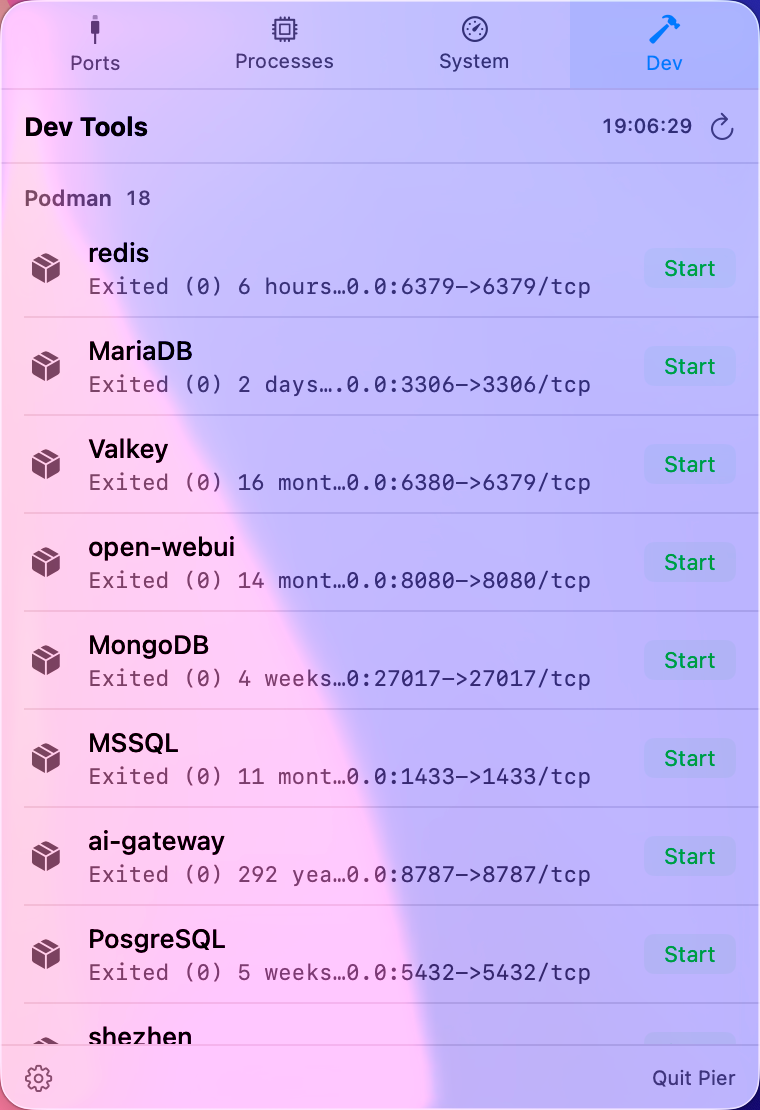
Useful when local services are part of your dev stack.
Postgres, Redis, MySQL, RabbitMQ, Nginx, and other Homebrew-managed services often sit behind the app you are building. Pier keeps their status visible and lets you restart them without leaving your current window.
The terminal command is still there when you need it.
brew services list
brew services restart postgresql@16
Pier is for the repeated path: check status, restart the service, and go back to work.
Part of a wider local-service view.
The same Dev panel also surfaces Docker or Podman containers. The Ports panel then shows which local ports those services are using, so you can move between service status and port ownership quickly.
// RELATED