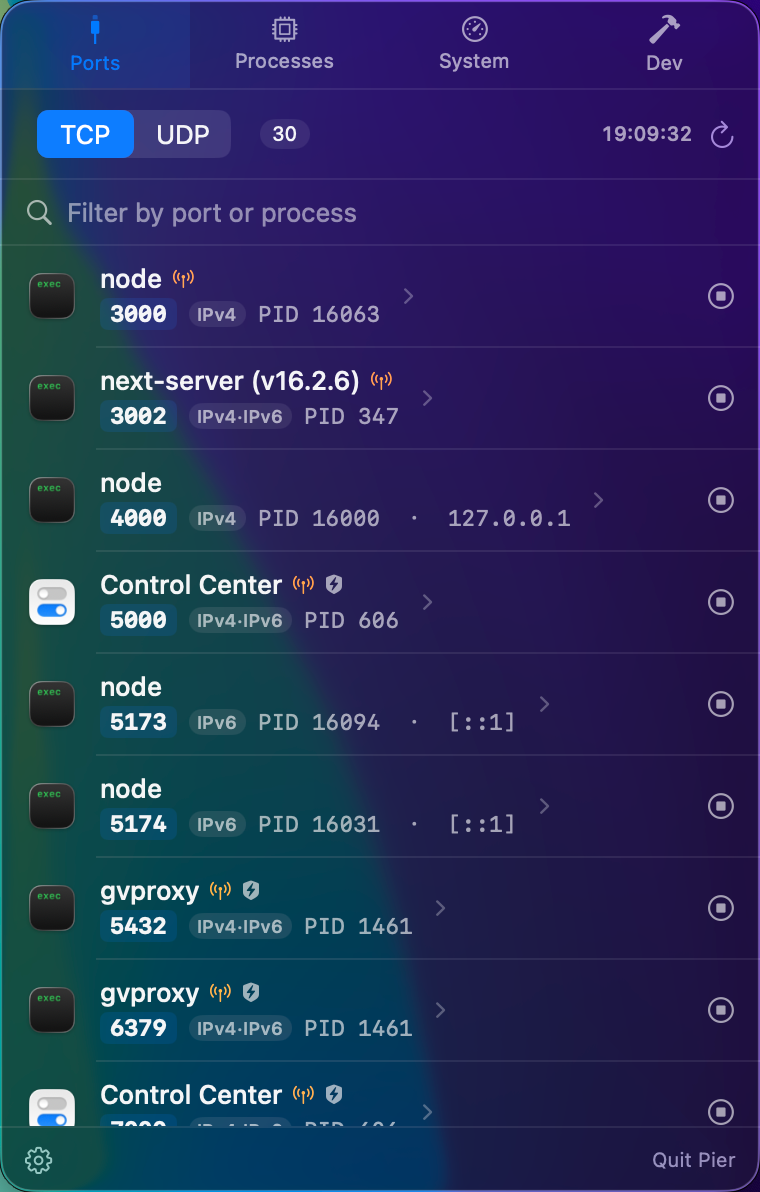
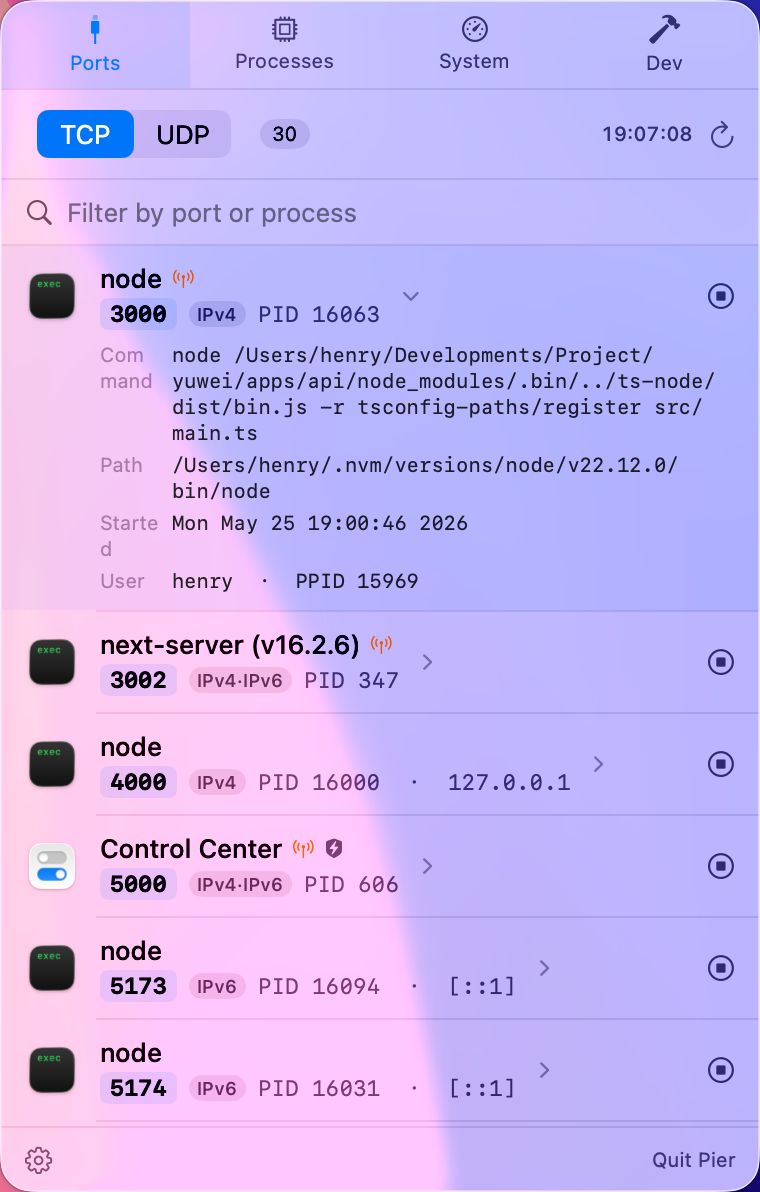
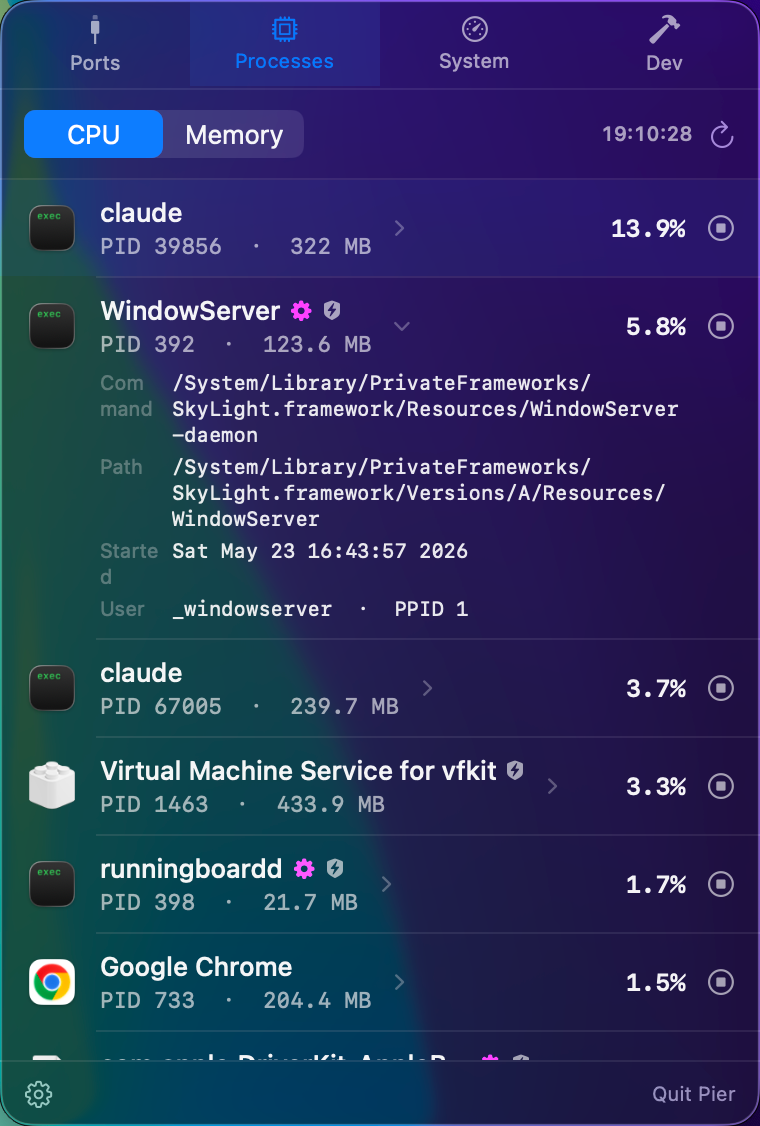
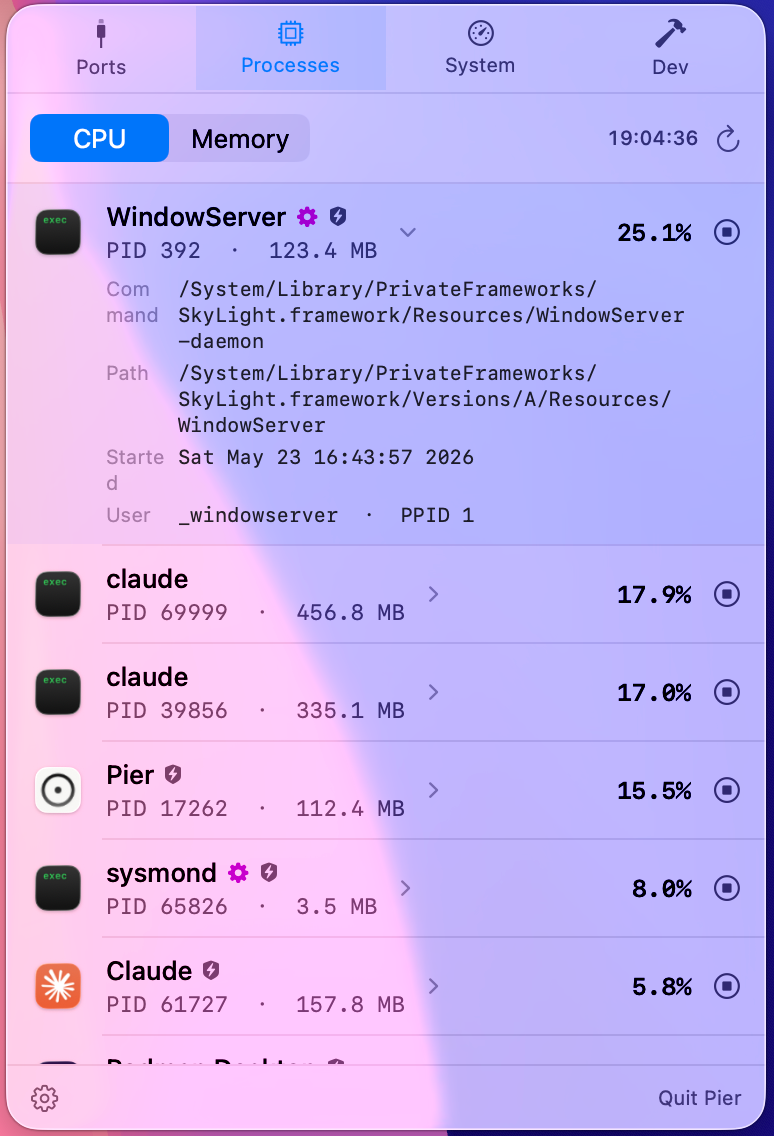
Pier is a featherweight monitor that lives in your menu bar. See what's listening on every port, which process is hogging the CPU, and your system's vitals — then act on them in one click.
Flip between four panels from the menu bar. Look, understand, and act — without ever opening a terminal.


Every TCP & UDP port, the owning process and its app icon, the bound address, and an IPv4·IPv6 tag. A glance tells you what's exposed to the network — and one click ends it.


Top processes ranked live by CPU or memory, with instant name search that goes beyond the Top N cap — find the background app that's been hiding past the cutoff. Expand any row for the full command line, path, and parent; then end or force-quit it.


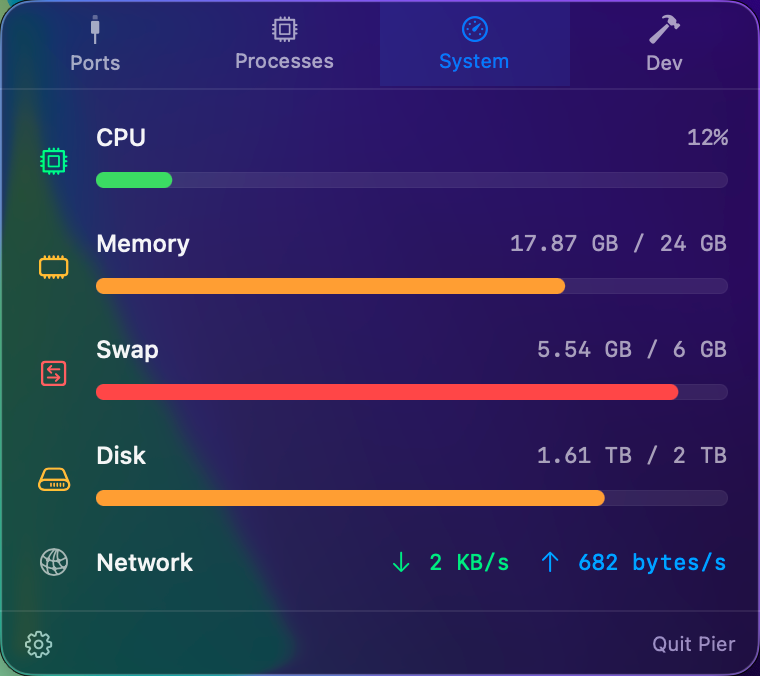
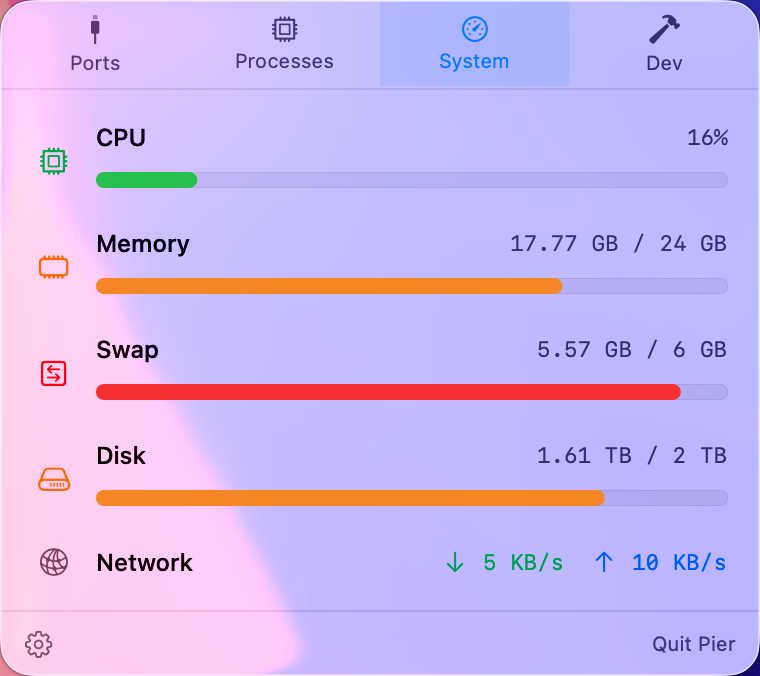
CPU, memory, swap, disk, and live network throughput in one tidy panel. Pin any combination of CPU, memory, and network rates right next to the menu-bar icon — pick what you care about, leave the window closed.


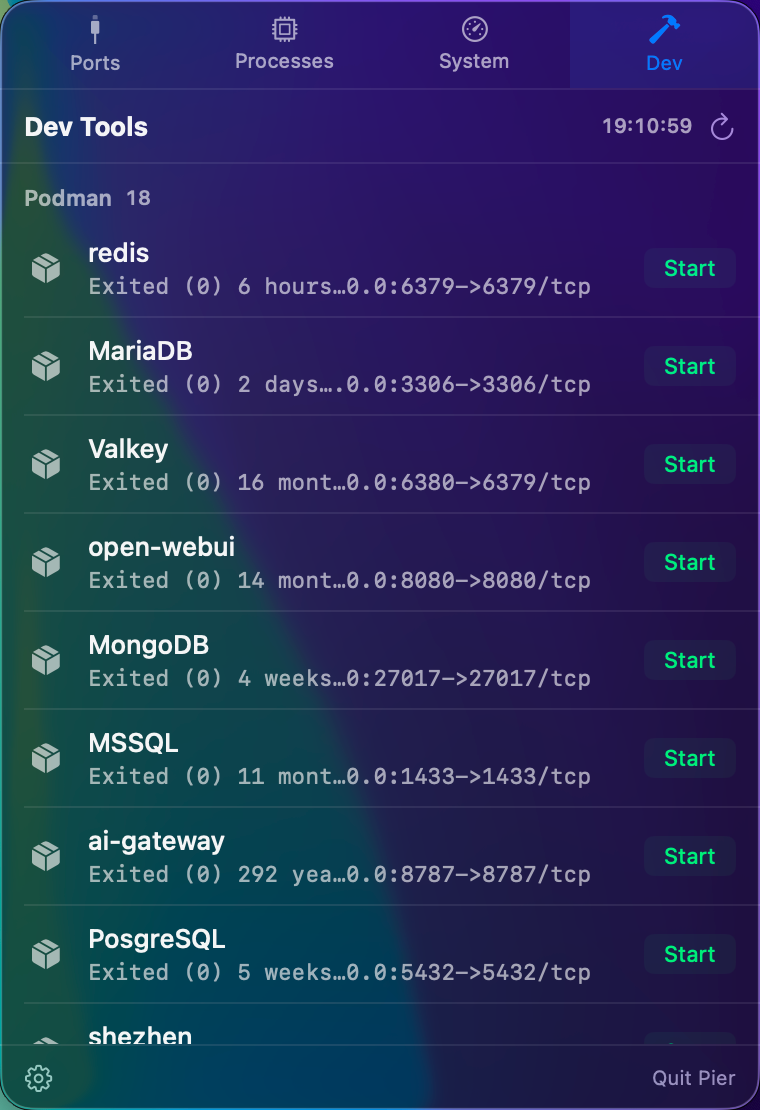
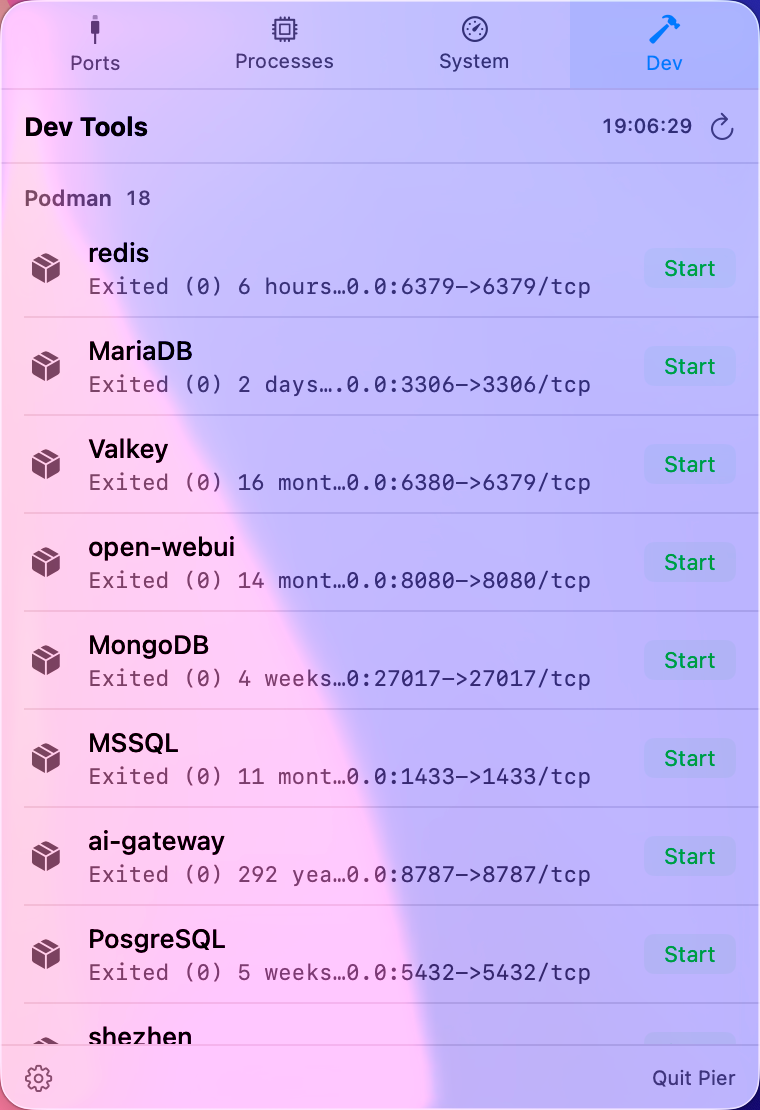
Start, stop, and restart your Docker / Podman containers and Homebrew services straight from the menu bar. Pier even detects when your docker is really Podman.
Type a name — Pier finds it even if it's a sleepy background app buried past the Top N cutoff. Pair it with the new configurable Top N (10–500, or show all) in Preferences.
Sequoia quietly tightened lsof's access to root-owned sockets, hiding launchd / system daemons / privileged ports. Pier now combines lsof + netstat so the port list stays whole — every listening socket, regardless of owner.
Dev tab no longer hangs when Docker's daemon is off (6s hard timeout). Launch and licensing flows stay quiet unless you need them.
Pier is most useful when a local service, container, or background process is sitting between you and the next run.
Find port 3000, 5173, 8000, or any other listener, inspect the owner, then stop it safely.
Turn lsof and netstat output into a readable app, process, PID, protocol, and address list.
Keep container status and published host ports next to your local macOS port list.
Start, stop, and restart brew-managed databases and background services from the menu bar.
Universal build · macOS 14+ · Apple Silicon & Intel
At checkout you type the amount yourself — minimum $0.99, suggested $6.99. Whatever you pay, you get exactly the same thing: one full license, up to 5 Macs, all 2.x updates, one-time. No tiers, no hidden upsells. If Pier saves you time, pay what it's worth to you.
Pier needs to see every process and act on it — listing ports, reading other processes, ending them. The App Store sandbox forbids that. So Pier is distributed directly, signed with a Developer ID and notarized by Apple, so Gatekeeper trusts it.
Two steps. If the old Mac is still around: open Pier's Preferences → License and click Deactivate on this Mac — that frees up its activation slot. Then enter the same license key on the new Mac. Old Mac already wiped or gone? Just activate on the new one — one key covers up to 5 Macs, and if you ever run out of slots, email pier@appsupport.mahui.me and we'll release the ones held by retired machines. There's no account to sign in to: your key is the license. Upgrading macOS doesn't touch your activation; before erasing a Mac, deactivate first so the slot comes back.
Each activated Mac holds one of your license's 5 slots. Deactivating (Preferences → License → Deactivate on this Mac) releases its slot instantly, so you can move between machines freely — fully self-serve. If a Mac was wiped, sold, or died before you could deactivate, email pier@appsupport.mahui.me and we'll release its slot for you.
Your key is in the purchase confirmation email from Dodo Payments (our payment provider). Can't find it? Email pier@appsupport.mahui.me from the address you used at purchase and we'll look it up.
All 2.x releases — features and fixes — at no extra cost. Your license is perpetual: the versions you've bought keep working forever, with no subscription and no forced upgrade. If a paid 3.0 ever happens, 2.x will keep working as-is.
Your monitoring data never does — ports, processes, and system stats are read on-device and never uploaded. Pier itself goes online only to check for updates (you can turn that off) and to activate and periodically verify your license. No third-party analytics or ad trackers.
It's built in native SwiftUI and samples only while a panel is open or a menu-bar readout is enabled. Idle CPU rounds to zero — a resource monitor shouldn't be a resource hog.
macOS 14 (Sonoma) and later, on both Apple Silicon and Intel.
You can end any process you own. System processes (owned by root) are flagged and guarded with a confirmation — and ending a launchd-managed daemon will just respawn it, which Pier tells you up front.